
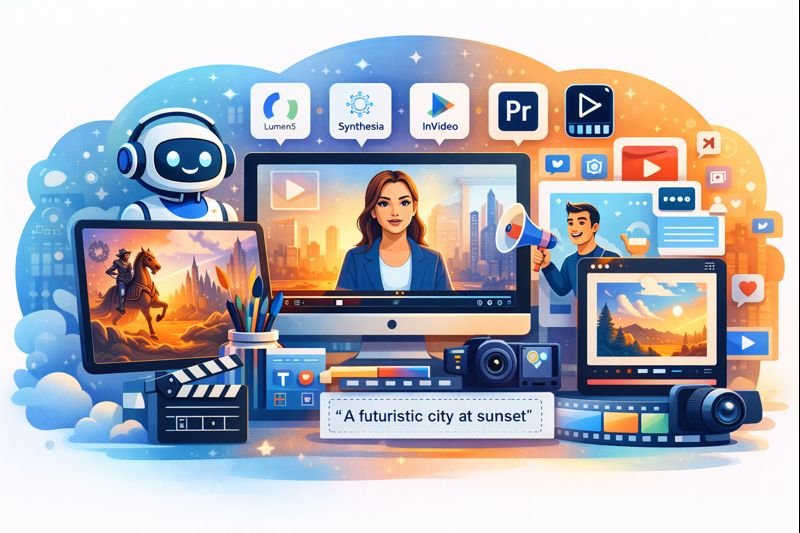
Best AI Tools for Video Generation in 2026
AI video generation tools are reshaping the way businesses, creators, educators, and marketers produce visual content. In 2026, advanced platforms are capable of creating high-quality video from text prompts, scripts, or even audio input — often faster, cheaper, and with more creative flexibility than traditional production.
Whether you’re crafting social media promos, training videos, product explainers, or animated shorts, the right AI video generator can dramatically speed up your workflow and help you scale your content output.
Here’s a comprehensive look at the best AI tools for video generation in 2026, what they’re best at, and how to choose the right one for your needs.
Why AI Video Generation Matters in 2026
Video remains one of the most engaging content formats across platforms like YouTube, Instagram, LinkedIn, TikTok, and corporate sites. However, traditional video production can be time-intensive and expensive — often requiring scripting, storyboarding, filming, voice overs, editing, and motion graphics.
AI video tools reduce these barriers by automating large parts of the process. Common capabilities include:
- Transforming text into video with visuals, transitions, and voice synthesis
- Generating animated content from templates or custom prompts
- Automating voiceovers from script or text
- Editing and enhancing uploaded footage with AI editing tools
For teams that need regular video output — from marketing to internal comms — AI video platforms can be a game-changer.
Top AI Video Generation Tools in 2026
1) Synthesia
Best for: AI presenters and business video content.
Synthesia lets you generate videos with AI avatars that speak your script in multiple languages and styles. It’s widely used for training videos, product explainers, corporate communication, and sales pitches.
- Pros: Realistic AI presenters; multilingual support; enterprise features
- Cons: Less creative control than fully custom animation platforms
2) Pika Labs
Best for: Generating short, creative video clips from text prompts.
Pika Labs is known for creating fun, artistic, and visually compelling short videos. It’s often used by social creators and brands producing quick promo clips or creative visuals that don’t need manual editing.
- Pros: Quick to generate; strong stylistic range
- Cons: Best suited for short formats rather than long videos
3) Runway
Best for: AI-assisted editing and generative video workflows.
Runway combines generative video with powerful editing features. It’s a great choice for creators who want to start with AI generation and then refine content with advanced editing tools, including background removal, motion tracking, and scene enhancement.
- Pros: Integrated editing tools; flexible output options
- Cons: Slight learning curve compared to template-based platforms
4) InVideo
Best for: Template-based marketing videos with AI assistance.
InVideo offers a large collection of templates paired with AI features that can help automate voiceovers, text animations, and scene suggestions. It’s popular among marketers and small business owners who need ready-to-publish videos quickly.
- Pros: Large template library; easy-to-use interface
- Cons: Output quality tied to template style
5) Lumen5
Best for: Turning articles or blog posts into video.
Lumen5 excels at creating video from text content. It’s useful for repurposing written content into visual formats — perfect for social platforms and content recycling.
- Pros: AI storyboard creation; automatic text-to-scene alignment
- Cons: Limited advanced animation controls
6) Descript
Best for: Audio-driven video editing and transcription workflows.
Descript is unique because it integrates video editing with text editing. You can edit the script and automatically update the video, making it ideal for creators focused on spoken content or lecture-style videos.
- Pros: Transcript-based editing; auto captions
- Cons: Not a full generative video from text tool
7) Adobe Premiere with AI Features
Best for: Professional video editors leveraging AI assistance.
Adobe Premiere continues to add AI-powered features — such as scene detection, auto reframing, and spoken audio clean-up. While not a pure generative platform, it’s extremely valuable for teams that want AI enhancements combined with professional-grade production tools.
- Pros: Industry-leading editing tools with AI enhancements
- Cons: Requires more traditional editing knowledge
How to Choose the Right AI Video Tool
Match the Tool to Your Output Need
Consider what you’re trying to produce:
- Corporate or explainers: Tools with AI presenters and script-to-video features like Synthesia
- Short social content: Quick text prompt generators like Pika Labs and Lumen5
- Full editing workflows: Platforms with editing plus AI assist like Runway and Descript
- Professional production control: Adobe’s AI-enhanced features for serious editors
Think About Licensing and Usage Rights
Verify if the platform grants commercial usage rights for generated video, especially for paid ads or client projects. Some services require specific terms to avoid copyright concerns.
Conclusion
AI video generators in 2026 are powerful tools that save time and unlock creative potential. From script-to-video platforms to editing suites with AI enhancement, today’s tools serve a wide range of use cases — whether you’re a marketer, educator, content creator, or production team.
By aligning your goals with the right tool — and checking licensing terms — you can produce engaging video content faster and at lower cost than ever before.