
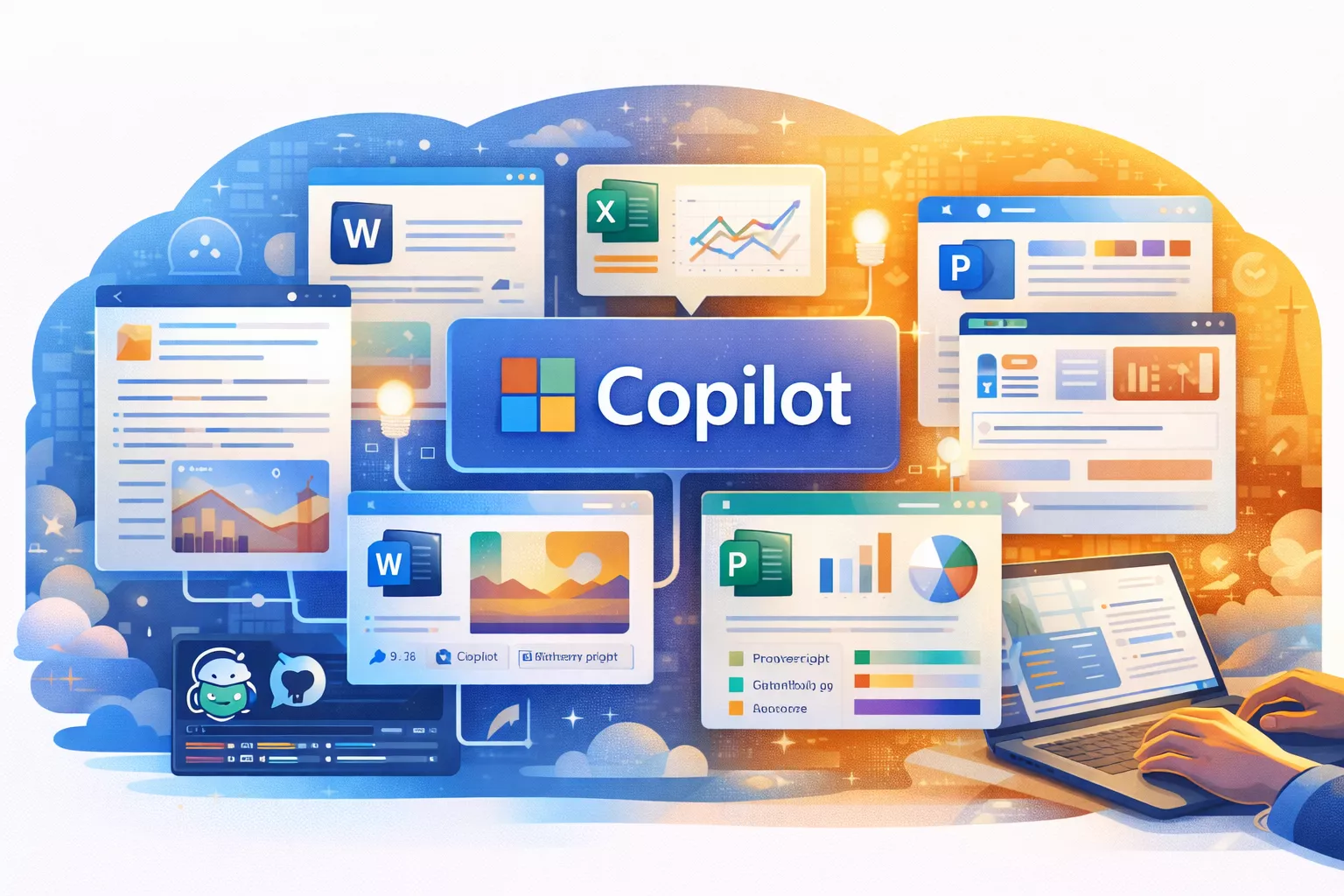
Microsoft Copilot has evolved into one of the most widely adopted AI productivity tools in the world. Deeply embedded across Microsoft’s ecosystem — including Windows, Microsoft 365, GitHub, and Azure — Copilot aims to transform how individuals and organizations work by bringing AI assistance directly into everyday workflows.
In this in-depth review, we examine Microsoft Copilot in 2026, covering its core features, pricing, real-world performance, strengths, limitations, and how it compares with other leading AI assistants.
What Is Microsoft Copilot?
[Verified] Microsoft Copilot is an AI-powered assistant built on large language models and integrated directly into Microsoft products such as Word, Excel, PowerPoint, Outlook, Teams, Windows, and GitHub. Its primary goal is to help users create, analyze, summarize, automate, and collaborate more efficiently using natural language commands.
[Inference] Unlike standalone AI chat tools, Copilot is designed to work “in context” — meaning it operates directly inside the tools people already use at work, reducing the need to switch apps or copy data between systems.
Key Microsoft Copilot Products in 2026
Microsoft Copilot for Microsoft 365
This is the flagship Copilot experience for business users. It integrates AI assistance across core productivity apps:
- Word: Draft, rewrite, summarize, and structure documents
- Excel: Analyze data, generate formulas, and explain trends in plain English
- PowerPoint: Create presentations from documents or prompts
- Outlook: Draft emails, summarize threads, and extract action items
- Teams: Summarize meetings, generate notes, and track decisions
[Inference] Copilot for Microsoft 365 is positioned as a productivity multiplier for knowledge workers, especially in enterprise environments.
Windows Copilot
Windows Copilot brings AI assistance directly into the operating system. Users can interact with Copilot to:
- Adjust system settings
- Summarize files or webpages
- Answer questions without opening separate apps
This integration makes Copilot feel more like a system-level assistant rather than a standalone chatbot.
GitHub Copilot
GitHub Copilot is one of the most popular AI coding assistants in the world. It helps developers by:
- Generating code snippets in real time
- Explaining unfamiliar code
- Suggesting fixes and optimizations
- Speeding up boilerplate and repetitive coding tasks
[Verified] GitHub Copilot supports dozens of programming languages and integrates with popular IDEs such as VS Code, JetBrains, and Visual Studio.
Copilot Studio and Custom Copilots
Copilot Studio allows organizations to build custom AI copilots tailored to internal workflows. These copilots can:
- Connect to enterprise data sources
- Automate workflows
- Answer employee or customer questions
[Inference] This positions Microsoft Copilot as not just a productivity tool, but also a platform for enterprise AI customization.
Core Features of Microsoft Copilot
Context-Aware Assistance
One of Copilot’s strongest capabilities is its ability to understand context. Instead of starting from scratch, it can reference:
- Your documents and spreadsheets
- Email threads and meetings
- Calendar events and chats
This enables highly relevant suggestions, summaries, and insights.
Natural Language Commands
Copilot allows users to interact using plain English prompts such as “Summarize this document,” “Create a presentation from this report,” or “Analyze last quarter’s sales trends.”
[Inference] This lowers the barrier for advanced tasks that previously required technical expertise or manual effort.
Enterprise-Grade Security and Compliance
Microsoft emphasizes that Copilot adheres to enterprise security, privacy, and compliance standards. User data remains within the organization’s Microsoft tenant and is not used to train public models.
This is a major differentiator for regulated industries such as finance, healthcare, and government.
Automation and Workflow Acceleration
By combining AI with Microsoft’s Power Platform, Copilot can help automate repetitive tasks, generate reports, and trigger workflows across apps.
Pricing and Plans in 2026
Microsoft Copilot pricing varies by product:
- Copilot for Microsoft 365: Typically priced around $30 per user per month as an add-on to Microsoft 365 business plans
- GitHub Copilot: Individual plans around $10–$20 per month; enterprise pricing available
- Windows Copilot: Included with supported Windows versions
- Copilot Studio: Usage-based pricing depending on customization and integrations
[Unverified] Pricing can change based on region, licensing agreements, and enterprise negotiations, so organizations should confirm current rates with Microsoft.
Performance and Real-World Usage
Strengths
- Deep Ecosystem Integration: Works seamlessly across Microsoft products
- Strong for Business Productivity: Especially effective for document-heavy and meeting-driven workflows
- Excellent for Developers: GitHub Copilot significantly boosts coding speed
- Enterprise Readiness: Security, compliance, and admin controls
Limitations
- Cost: Copilot can be expensive at scale for large organizations
- Learning Curve: Users need time to learn effective prompting
- Accuracy: Like all AI tools, outputs require human review
- Best Value Inside Microsoft Ecosystem: Less compelling for users outside Microsoft tools
Microsoft Copilot vs Other AI Assistants
[Inference] Compared to standalone AI tools like ChatGPT or Claude, Microsoft Copilot’s biggest advantage is native integration. Instead of copying content into a chat interface, users work directly where their data lives.
However, general-purpose AI assistants may still outperform Copilot in:
- Creative writing
- Open-ended brainstorming
- Cross-platform flexibility
Use Cases Where Copilot Excels
- Enterprise Knowledge Work: Reports, presentations, and analysis
- Meetings and Collaboration: Summaries, notes, and follow-ups
- Software Development: Faster coding and debugging
- Process Automation: Internal tools and workflows
Privacy and Trust Considerations
Microsoft positions Copilot as an enterprise-safe AI solution. Data access is permission-based, and Copilot respects existing security controls. Still, organizations should establish internal guidelines for AI usage and review outputs carefully.
Conclusion
Microsoft Copilot in 2026 is one of the most powerful AI productivity platforms available — particularly for businesses already invested in Microsoft’s ecosystem. Its ability to bring AI directly into everyday tools like Word, Excel, Teams, and GitHub makes it uniquely effective for real-world work.
While it may not replace standalone AI tools for every use case, Copilot shines where productivity, collaboration, and enterprise security matter most. For organizations seeking practical, embedded AI rather than experimental tools, Microsoft Copilot is a compelling long-term investment.