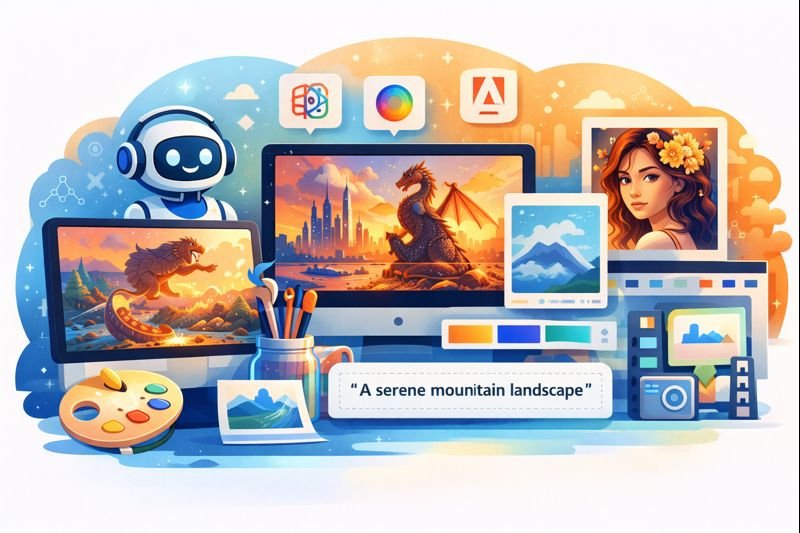
AI image generation tools have transformed how creators, businesses, and designers produce visual content. In 2026, advanced models are capable of generating high-resolution, stylized, and concept-accurate images from text prompts. Whether you’re creating marketing graphics, product imagery, or unique illustrations, the right AI platform can accelerate your creative workflow and reduce production costs.
This article explores the best AI tools for image generation in 2026, what they’re best at, and how to choose the right one based on your creative goals.
Why AI Image Generation Matters
AI image generators have rapidly evolved thanks to advances in deep learning and diffusion models. Today’s platforms are not only generating images from text but also offering features like:
- Style customization (e.g., realistic, cartoon, abstract)
- Scene editing (modify or refine existing visuals)
- High-resolution exports suitable for commercial use
- Batch generation and automation workflows
Brands and creators use these tools for social media content, ads, product mockups, storyboards, concept art, and more — often at a fraction of the time and cost of traditional design processes.
Top AI Image Generation Tools in 2026
1) Midjourney
Best for: Creative, artistic, and concept images.
Midjourney continues to be a favorite for artists and designers seeking unique, stylized visuals that feel handcrafted. The platform excels at interpreting abstract prompts and creating images with artistic flair.
- Pros: Distinctive aesthetic results, strong community prompts
- Cons: Less predictable for strict realism or product visuals
2) DALL-E
Best for: Versatile image generation with a balance of realism and creativity.
DALL-E from OpenAI is known for producing coherent scenes that align well with detailed text descriptions. It offers robust editing capabilities and high-quality outputs suitable for marketing visuals and conceptual design.
- Pros: Strong prompt interpretation, great editing tools
- Cons: May require subscription for advanced features
3) Adobe Firefly
Best for: Commercial use images with extended licensing support.
Adobe Firefly is designed with creators and enterprises in mind, offering safe-to-use assets for commercial projects. It integrates seamlessly with Adobe Creative Cloud, making it convenient for existing Adobe users.
- Pros: Commercial licensing, Creative Cloud integration
- Cons: Best features tied to paid plans
4) Stable Diffusion
Best for: Open-source flexibility and customization.
Stable Diffusion is a popular choice for developers and technical creators who want full control over models and deployment. Because it’s open-source, it’s highly customizable and can be integrated into bespoke creative systems.
- Pros: Custom models, no vendor lock-in
- Cons: Requires more technical setup
5) Canva AI Image Generator
Best for: Integrated design with easy UI for non-technical creators.
Canva’s AI image tools make it simple to generate visuals directly within a drag-and-drop design platform. It’s a great choice for marketers and small business owners who want visuals without leaving their design workflow.
- Pros: Easy to use, integrates with templates and layouts
- Cons: Style options may be more limited than specialized platforms
6) RunwayML
Best for: Video and multimodal creative workflows.
RunwayML bridges text, image, and video generation, making it appealing for creators who need more than static visuals. Its tools support editing, animation, and collaborative projects.
- Pros: Multimodal creative capabilities
- Cons: Learning curve if you’re new to generative media
7) Artbreeder
Best for: Iterative character design and genetic image blending.
Artbreeder is distinct because it focuses on blending and evolving images. Users can mix visual traits to generate variations — especially useful for character design and concept exploration.
- Pros: Exploration-driven generation
- Cons: Less suited for precise commercial visuals
How to Choose the Right Image Generator
Define Your Use Cases
Your choice depends on what you need most:
- Marketing visuals: Choose tools with real-world aesthetic and licensing clarity (e.g., Adobe Firefly, DALL-E)
- Concept art and branding: Go for creative-first results (e.g., Midjourney, Artbreeder)
- Integrated workflow: Use platforms that fit into your existing design tools (e.g., Canva AI)
- Custom development: Open-source tools like Stable Diffusion offer full control
Consider Licensing and Usage Rights
Some platforms grant commercial usage rights by default, while others require specific licensing plans. Always check terms if you intend to use images publicly or commercially.
Conclusion
AI image generation tools in 2026 are more powerful and accessible than ever. From artistic explorations to commercial asset creation and integrated design workflows, these platforms serve diverse needs. Choosing the right one depends on your goals, technical comfort, and output requirements.
Whether you’re a marketer, designer, or business owner, the right AI image generator can help you produce visually compelling content faster — freeing up time to focus on strategy and creativity.