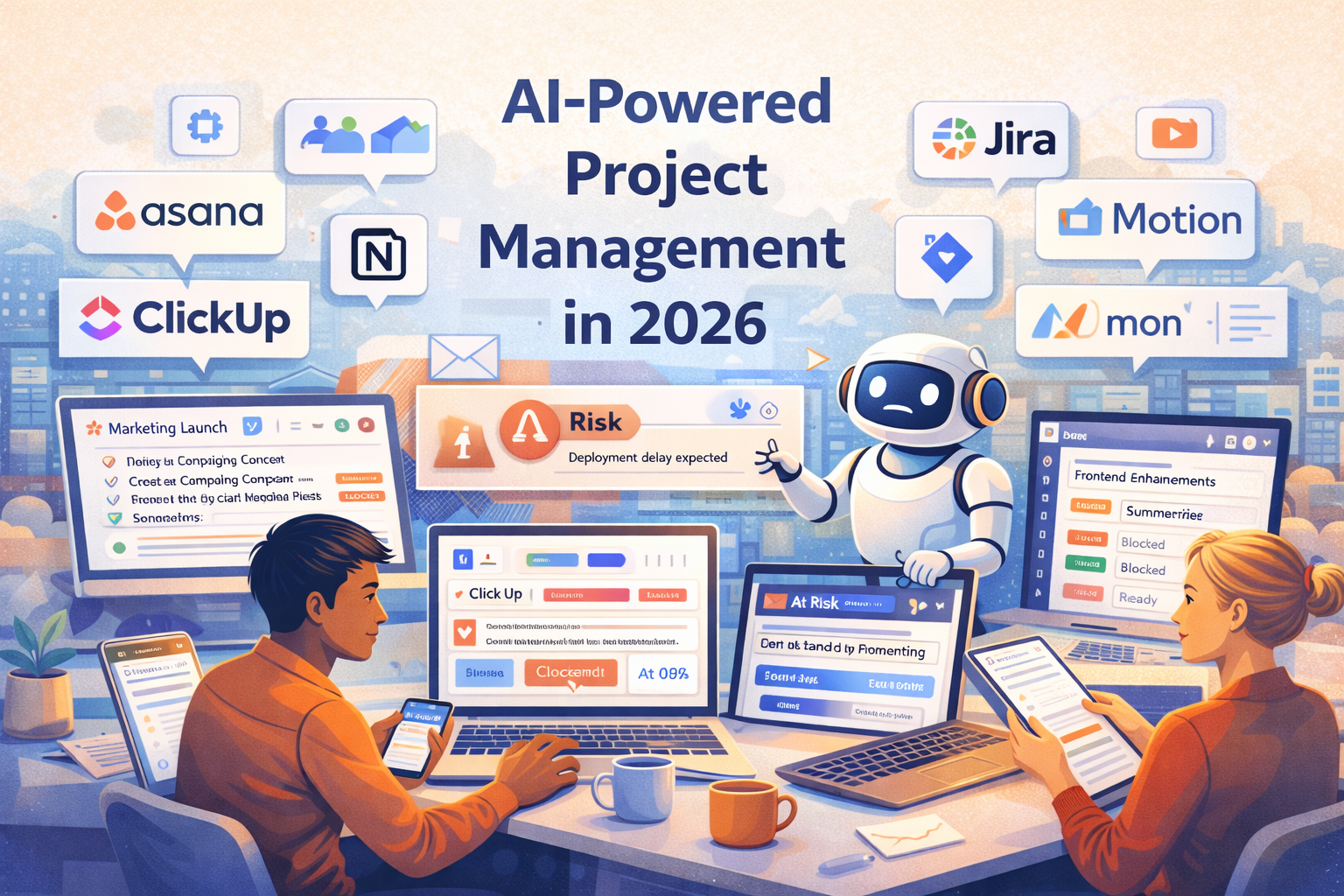
Project management and collaboration have become increasingly complex as teams work across time zones, tools, and workflows. In 2026, AI-powered project management platforms are helping teams plan better, automate routine tasks, surface risks early, and collaborate more effectively — without adding more meetings or manual overhead.
This guide covers the best AI tools for project management and collaboration in 2026, what they’re best at, and how to choose the right solution based on your team size and operating style.
Why AI Is Transforming Project Management in 2026
Modern teams are expected to move fast while maintaining visibility and accountability. AI helps project managers and teams by:
- Automating task creation, assignment, and prioritization
- Summarizing meetings, updates, and project status
- Predicting delays, bottlenecks, and resource conflicts
- Improving cross-team communication and alignment
Instead of manually tracking progress across tools, AI allows teams to focus on execution and decision-making.
Best AI Tools for Project Management and Collaboration in 2026
1) Asana (with AI)
Best for: Structured project management with AI insights.
Asana uses AI to help teams generate project plans, summarize task updates, identify blockers, and prioritize work. It’s well suited for cross-functional teams managing complex projects.
- Pros: Strong task structure; AI summaries and insights
- Cons: Can feel heavy for very small teams
2) ClickUp
Best for: All-in-one work management with AI assistance.
ClickUp combines tasks, docs, goals, chat, and AI writing into a single platform. Its AI features help generate task descriptions, meeting summaries, and progress updates.
- Pros: Highly customizable; broad feature set
- Cons: Learning curve for new users
3) Notion (with AI)
Best for: Collaborative documentation and lightweight project tracking.
Notion AI helps teams summarize notes, generate action items, and turn meeting discussions into structured plans. It’s popular among startups and product teams.
- Pros: Flexible workspace; strong docs and collaboration
- Cons: Not a full replacement for traditional PM tools
4) Monday.com
Best for: Visual project tracking with AI automation.
Monday.com uses AI to automate workflows, recommend task assignments, and highlight project risks. Its visual boards make it easy for non-technical teams to collaborate.
- Pros: Intuitive UI; strong automation options
- Cons: Advanced features require higher plans
5) Jira (with AI features)
Best for: Software development and agile teams.
Jira’s AI enhancements help engineering teams manage backlogs, estimate effort, summarize tickets, and track sprint health. It remains a standard for software project management.
- Pros: Powerful for agile workflows; deep integrations
- Cons: Overkill for non-technical teams
6) Slack (with AI summaries)
Best for: Team communication and collaboration.
Slack’s AI features summarize channels, highlight important updates, and help users catch up quickly. While not a project management tool by itself, it plays a critical role in collaboration.
- Pros: Improves communication clarity; real-time collaboration
- Cons: Needs integration with PM tools for full visibility
7) Motion
Best for: AI-driven scheduling and task prioritization.
Motion uses AI to automatically plan your day based on deadlines, priorities, and availability. It’s especially useful for managers and individual contributors juggling multiple projects.
- Pros: Smart scheduling; reduces planning effort
- Cons: Less suitable for large team-wide projects
How to Choose the Right AI Project Management Tool
Consider team size and complexity
- Small teams and startups: Notion, ClickUp, Motion
- Mid-size teams: Asana, Monday.com
- Engineering teams: Jira with AI features
Balance structure vs flexibility
Some teams benefit from rigid workflows and reporting, while others prefer flexible collaboration. Choose tools that match how your team naturally works.
Best Practices for Using AI in Project Management
- Use AI to summarize and surface insights — not replace accountability
- Review AI-generated priorities before acting on them
- Combine AI automation with clear ownership and processes
- Integrate tools to avoid fragmented collaboration
Conclusion
The best AI tools for project management and collaboration in 2026 help teams work smarter, not harder. By automating planning, surfacing risks, and improving communication, AI enables teams to stay aligned and productive even as work becomes more distributed.
For most organizations, the ideal setup combines a core AI-powered project management tool with strong collaboration platforms — creating a system that supports both execution and teamwork at scale.